If you open the configuration file on the Linux Server, you will usually find many comments used in the file, which are started by a hashtag sign (#). This aims to explain a configuration that is under comment. But sometimes you want to see the configuration without having to look at the explanation of the configuration.
Problem
How to display a file without the hashtag sign on Linux?
Solution
For example, I want to see the default configuration file for the fstab file, which is located at /etc/fstab, and by default, it will look like the image below:
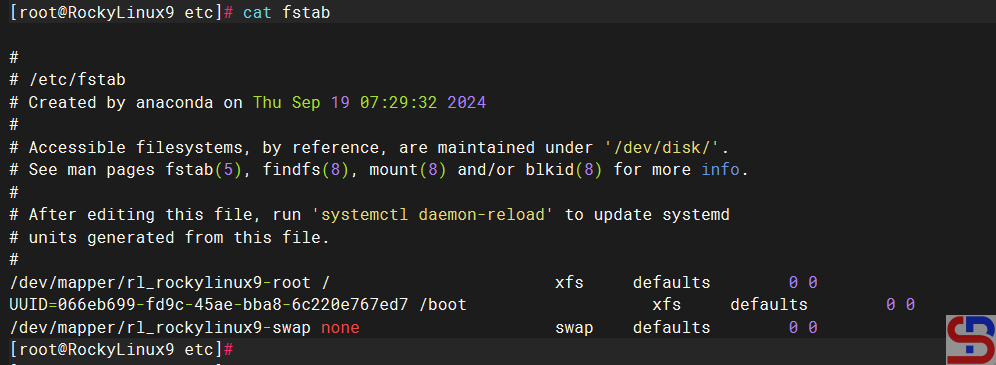
As far as I know, there are 3 methods to display the file without the hash sign:
1. Using the grep command
To use the grep command, you can use the format below:
grep -v '#' filename
In this case, type the command below:
grep -v '#' /etc/fstab
And it will look like the image below:

2. Using the sed command
To use the sed command, you can use the format below:
sed '/#/d' filename
In this case, type the command below:
sed '/#/d' /etc/fstab
And it will look like the image below:

3. Using the awk command
To use the awk command, you can use the format below:
awk '! /#/' filename
In this case, type the command below:
awk '! /#/' /etc/fstab
And it will look like the image below:

Note
Usually, when you use either of the three commands above to display a sentence that does not start with a hash mark in a Linux file, the result may be a lot of empty spaces, for example, in the zabbix_agentd.conf file, as shown in the image below:
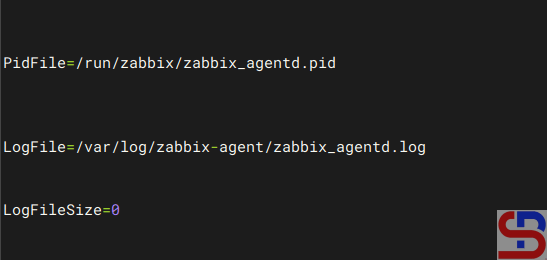
So if you want to only display the results without any blank spaces, then use the command below:
grep -v '^#' /etc/zabbix/zabbix_agentd.conf | grep -v '^$'
and the result will be as shown in the image below:

If the file comments do not use a hashtag sign, for example, use a semicolon (;), replace the hashtag sign with a semicolon sign in one of the commands above, and it should display a configuration that does not start with the semicolon sign:
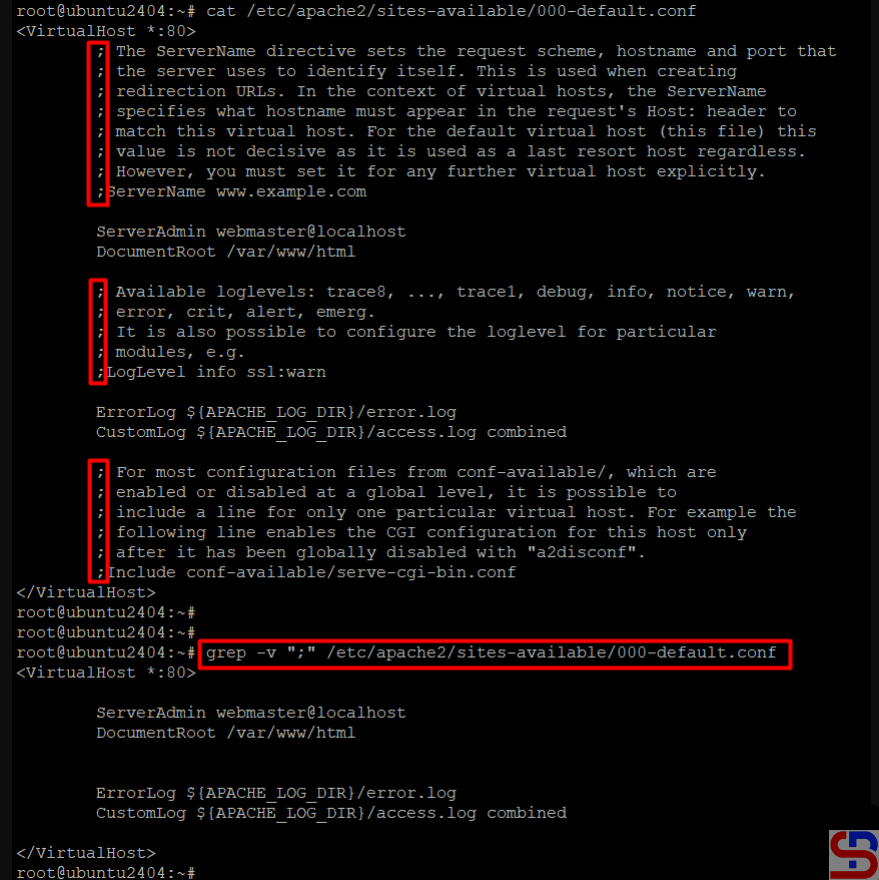
References
unix.com
unix.stackexchange.com

