How to Display a File Without the Hashtag Sign on Linux?
If you open the configuration file on the Linux Server, you will usually find many comments used in the file, which are started by a hashtag sign (#). This aims to explain a configuration that is under comment. But sometimes you want to see the configuration without having to look at the explanation of the configuration.
Problem
How to display a file without the hashtag sign on Linux?
Solution
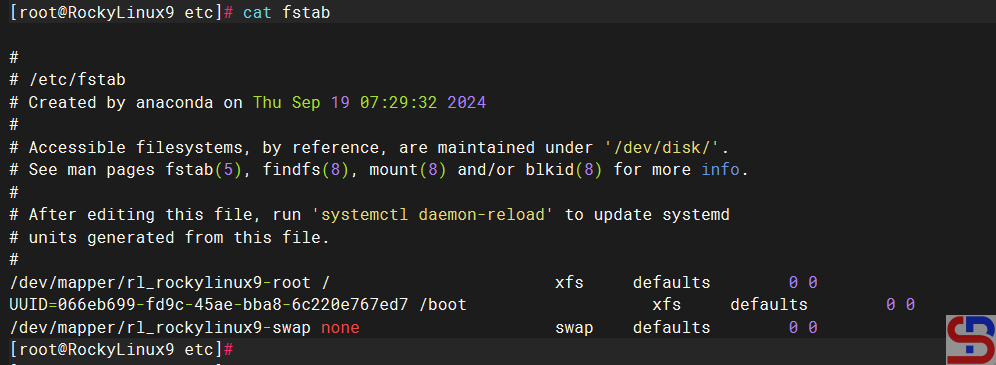
For example, I want to see the default configuration file for the fstab file, which is located at /etc/fstab, and by default, it will look like the image below:
As far as I know, there are 3 methods to display the file without the hash sign:
1. Using the grep command
To use the grep command, you can use the format below:
grep -v '#' filename
In this case, type the command below:
grep -v '#' /etc/fstab
And it will look like the image below:

2. Using the sed command
To use the sed command, you can use the format below:
sed '/#/d' filename
In this case, type the command below:
sed '/#/d' /etc/fstab
And it will look like the image below:

3. Using the awk command
To use the awk command, you can use the format below:
awk '! /#/' filename
In this case, type the command below:
awk '! /#/' /etc/fstab
And it will look like the image below:

Note
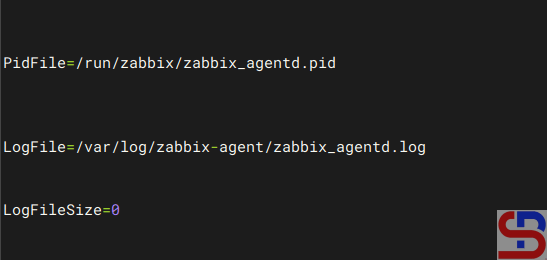
Usually, when you use either of the three commands above to display a sentence that does not start with a hash mark in a Linux file, the result may be a lot of empty spaces, for example, in the zabbix_agentd.conf file, as shown in the image below:
So if you want to only display the results without any blank spaces, then use the command below:
grep -v '^#' /etc/zabbix/zabbix_agentd.conf | grep -v '^$'
and the result will be as shown in the image below:

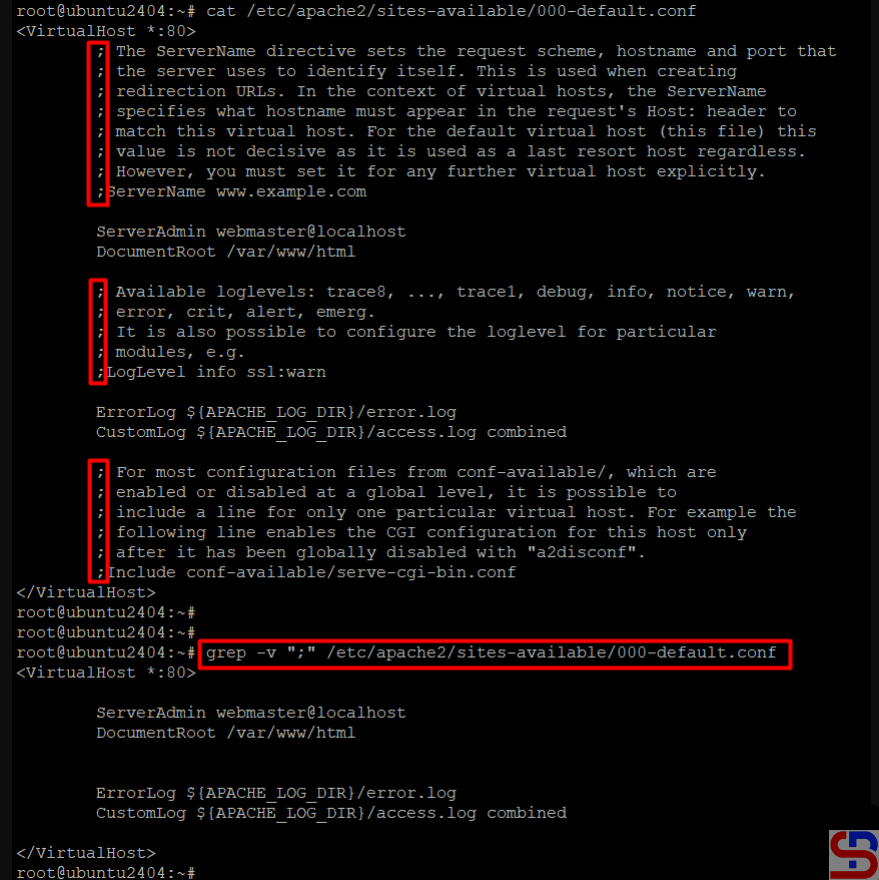
If the file comments do not use a hashtag sign, for example, use a semicolon (;), replace the hashtag sign with a semicolon sign in one of the commands above, and it should display a configuration that does not start with the semicolon sign: